



You need a PDF editor
The agenda is an interactive PDF , so you need an app to write on it.
For comfortable use, an iPad or tablet is ideal (it also works on a small screen, but it's not the same).
Recommended apps:
- iOS: GoodNotes, Notability, Freenotes, Notes+
- Android: Kilonotes, Starnote, Samsung Notes
- Windows: PDF Reader
With any of these you can open it, write, add notes and use all the interactive buttons without any problem.
What does it include?
To begin: everything you need to have a great year, but to be specific, here's a breakdown so you can see that I did think of everything :
ANNUAL SECTION 2026
- Annual calendar
- Important Dates
- Birthdays (so you don't say "oh, I forgot")
- Goodbye 2025
- Demonstration 2026
- Goals 2026
- Annual analysis
- Annual and monthly Vision Board
- Letter to my past and future self * New*
PLANNING
- Individual templates of
My projects, my goals, and my trips (because obviously this year I am traveling) - Quarterly goals
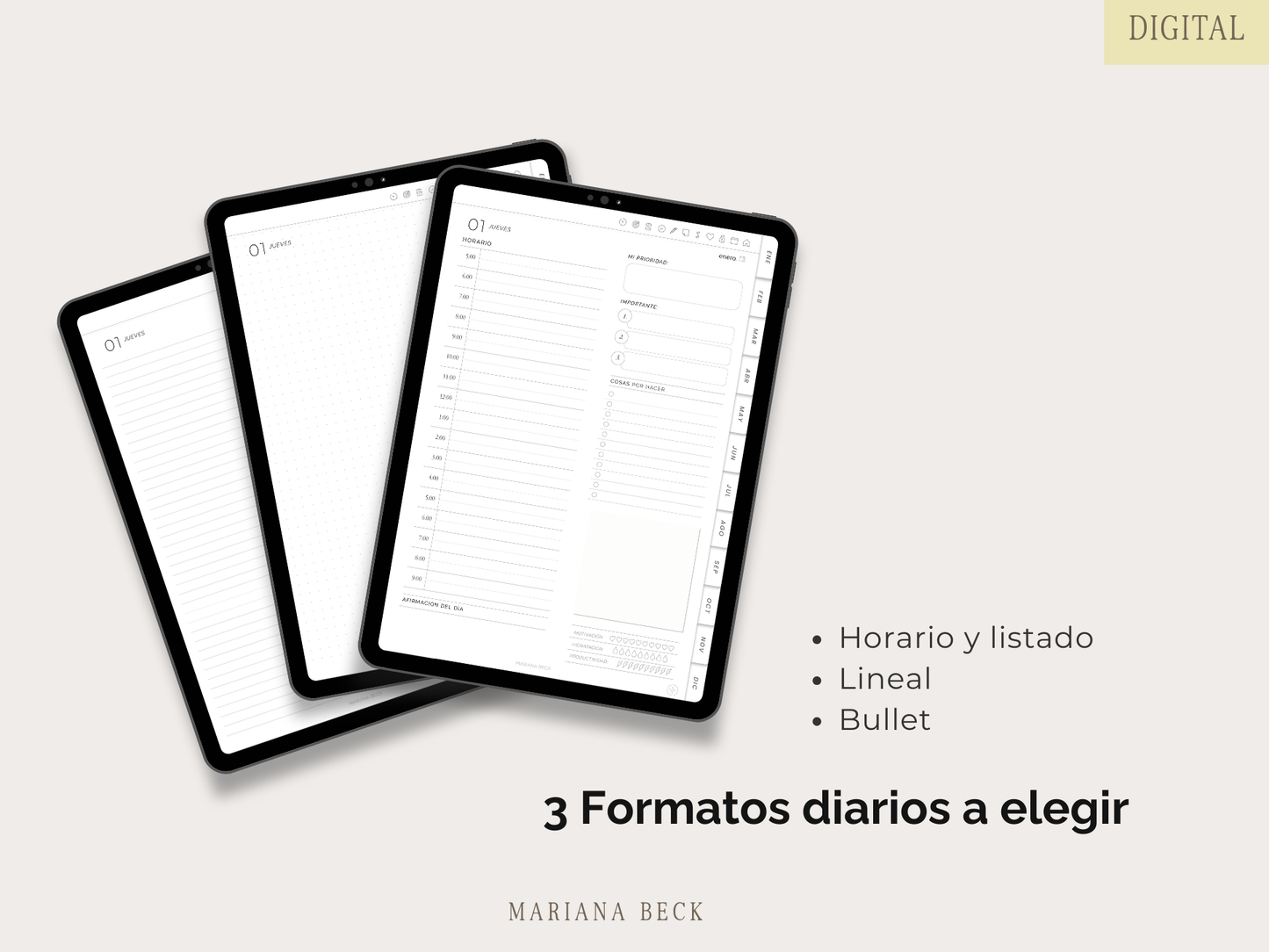
- Monthly, weekly, and daily planning
- Thousands of hyperlinks to navigate like an app (but without being an app)
ROUTINES
- Morning routine
- Nighttime routine
- Cleaning routine
WELFARE
- Statements
- Hours of sleep
- Ikigai
- Wellness Wheel * New*
HEALTH
- 75 Days Challenge * New*
- Work out
- Training Plan * New*
- * New* Meal Plan
MY LISTS
- Shopping list
- Passwords (so you can stop using the same one for everything… 👀)
- Wishlist
- Bucket list
- Books
- Podcasts
- Movies
- Series / Documentaries
- Moments 2026
MONTHLY SECTIONS
- Habits
- Monthly analysis
— Income & expenses - Annual finances
- Goals
EXTRA
- Notes section
- Things to do
- Monthly Vision Board
- iOS shortcut that activates a Pomodoro timer directly from the calendar (yes, magic) * New*
- Icons in all calendars and daily planning to create an event in Apple Calendar * New*
Does it sync with my Apple/Google Calendar?
This agenda is a digital file, not software.
Even so, this year I added something that will make your life a thousand times easier:
Icons that, when tapped, create a direct event in Apple Calendar based on the day you are viewing (works with iOS Shortcuts).
And if you use Google Calendar, it also includes a button that takes you directly to creating your event there.
Ready, practical, you're welcome.